I’ll show you how to start and how to master such tools in a short time through my step-by-step training. The following are what some students say James Woo, is by far one of the better teachers they have on here with his experience so far. His personality is warm, and you can tell he actually cares about wanting to teach you and makes you feel good after each lesson. . . . this excellent teacher who clearly loves his job. ~ Jacqueline ...

Shotcut v26.8.1 New Elements Library
Shotcut version 26.8.1 contain several new features and fixes. It now comes with an Elements library for emojis, sound effect, transition and animated graphics. Elements The Elements library contains various types of graphics like emojis, pointers, audio effect you can use to enhance your videos. The library is small at the moment. Some of the emojis are easy to use directly, allowing you to resize and rotate them. Likewise for the audio effects. ...
Maybe The Best High Converting Thumbnails Generator?
Creating high conversion thumbnails consistently is a challenge. Most video creators either hire someone to do it or make do with using the occasional average or even below average ones when they don’t get good ideas. Text to Image - Prompt used “A front 3/4 view of Denza Z9 GT car. Person is surprised with text “US$ 50,000” and “Tesla is cooked!” There are 3 main issues with creating thumbnails. ...
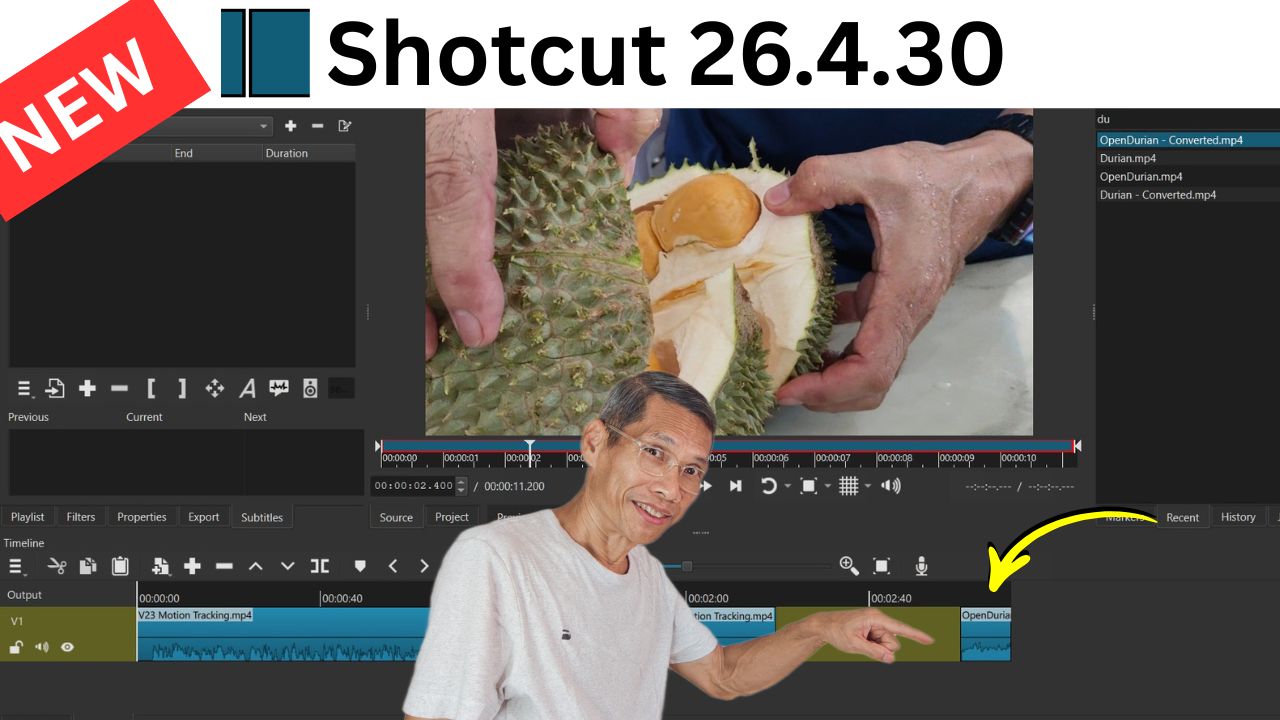
New Features in Shotcut v26.4.30 - Small Changes. Big Impact!
Shotcut version 26.4.30 has some interesting new features. Most of the features doesn’t seem significant but it makes editing just that much nicer. Below are just some of the ones I like most. Timeline Transition Symmetric Resize The name is a bit of a mouthful however this feature makes adjusting the length of a transition so much nicer. Dragging the handles of a transition now is symetrical, which means your transition won’t move ever so slightly. Makes editing faster too since you don’t have to adjust both ends of a transition. ...
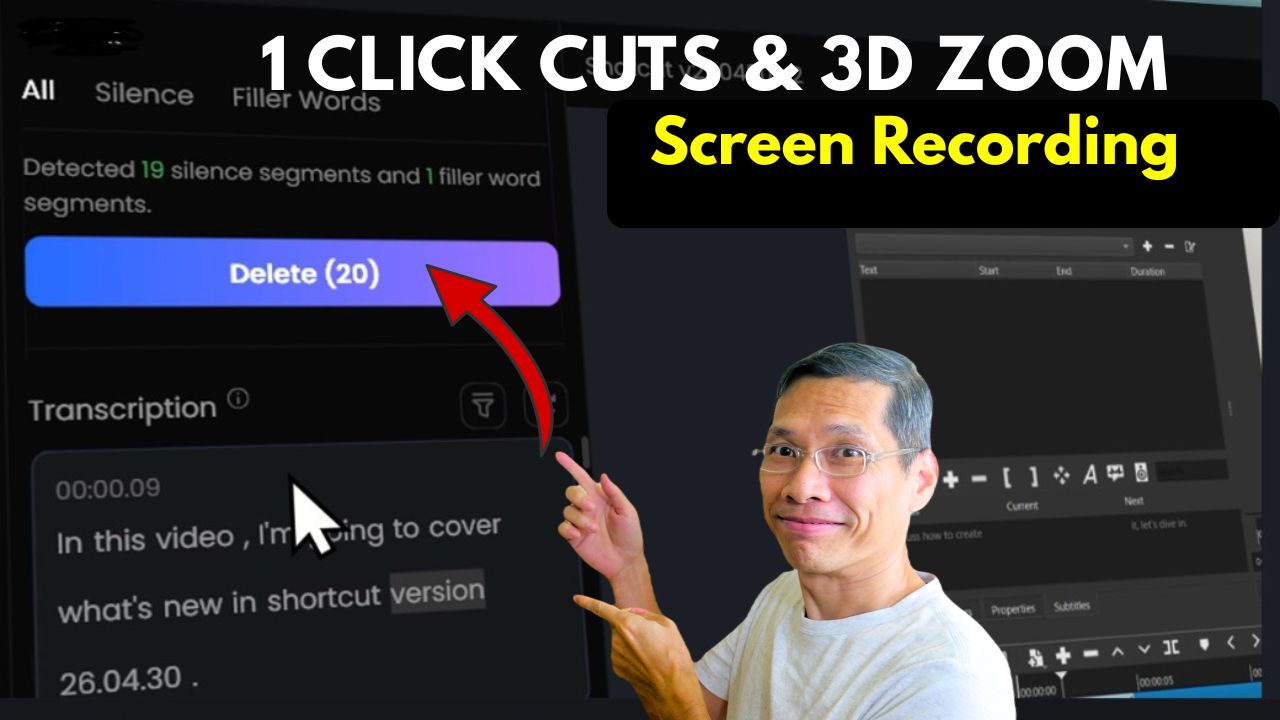
Create Polished Video Tutorials Without Editing Using FocuSee
Make Pro Level Video Tutorials In Minutes Creating screen recording video tutorials or software walkthroughs is quite simple. The challenge is making them look good while engaging your audience requires editing and that takes a lot of time. The latest version of FocuSee helps with making the necessary cursor highlights, pans and zooms, audio effects with minimal to no editing. It even has 3D zoom that makes your videos look like it was edited by a professional. ...

Shotcut V25.10 And V25.12 – Image from HTML, Typewriter Text And Free Text To Speech
Shotcut versions 25.10 and 25.12 bring new exciting tools for creators. Whether you’re editing videos for YouTube, tutorials, or creative projects, these features can make your workflow smoother and more fun. 1. Image or Video from HTML One of the coolest additions is the Image/Video from HTML generator. You access it via File → New → Image/Video from HTML or through the New Generator menu. Shotcut provides presets like 3D image, Elastic Stroke, and Neon Flux. Some generate static images, while others create short video clips. Example: The Elastic Stroke preset produces animated text effects, while Neon Flux gives glowing visuals perfect for intros. 👉 If you know CSS, HTML, or JavaScript, you can even create custom designs. This opens up endless creative possibilities for personalized titles, graphics, or animated overlays. ...

How AI Tools Like Top View AI Are Revolutionizing Viral Video Creation
Introduction AI video tools are evolving at lightning speed. What used to take a full production team can now be done in just a few hours with the right software. In this article, I’ll walk you through how a short cinematic scene was created using Cinema Studio in Higgsfield AI together with Nano Banana Pro. I’ll show you how easy it is to produce professional looking video content even if you are just starting out. ...

How AI Tools Like Top View AI Are Revolutionizing Viral Video Creation
The Rise of AI-Generated Video AI video technology has advanced so rapidly that it is hard to tell a real vs AI-generated content. AI generated videos is no longer just about entertainment, it’s becoming a powerful marketing tool. Businesses can now leverage AI to create viral videos that drive sales, build brand awareness, and engage audiences without the traditional costs of production. One of these AI tools is Top View AI, which allows users to generate viral videos using reference clips, product images, and simple prompts. You don’t even need to do any editing or write scripts. ...

Top 5 Best Video Summarizer Free And Paid
NoteGPT Review: Is This A Effective AI-Powered Research and Note-Taking Tool Managing Information Overload with AI We’re living in an age where information comes at us from every direction, faster than ever before. Whether you’re a student, an entrepreneur researching your market, or a content creator like myself, trying to keep up with everything can feel overwhelming. That’s where AI tools comes in. In this article I want to share my experience with NoteGPT, a specialized tool designed to help you summarize content, research and generate notes. ...

Shotcut Version 25.07.26 New Features.
In version 25.07.26 of Shortcut, several exciting features have been added. We have a new UI theme, better speech-to-text models, new visual filters and more. New System Fusion Theme Shortcut now includes a “System Fusion” theme, combining elements from the system theme with the monochromatic look from the fusion theme. This theme delivers higher contrast and slightly brighter tones, making on-screen elements pop. To use this, navigate to View > Themes, Select System Fusion from the list ...